


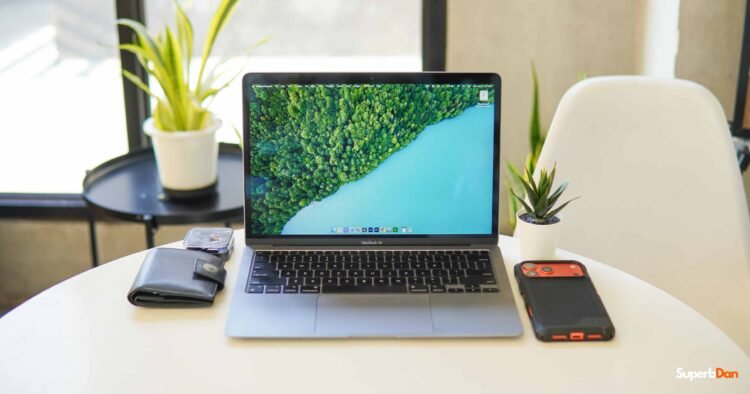
The MacBook Air M1 is one of the most popular laptops in recent years. Even though it is already six years old, many people still use it, including me.
As of today, pre-owned units are selling for as low as PHP 20,000 on Facebook Marketplace or around USD 300 on eBay. At that price, it is really tempting. So, I will help you decide if you should buy the MacBook Air M1 or not.
Design and Build Quality
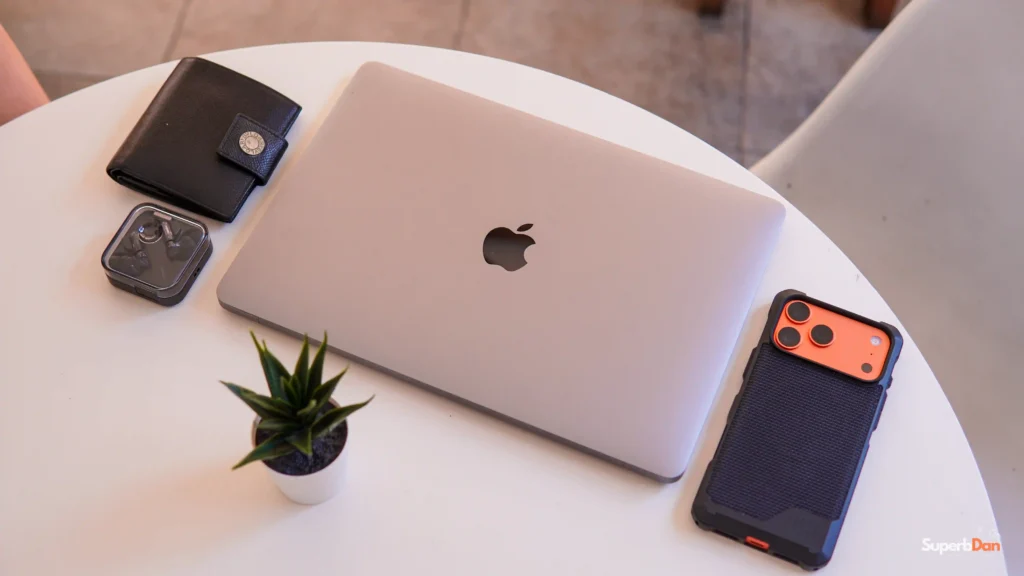
Even though the MacBook Air M1 has aged, its design is still impressive. Its design is seen even in previous models, and for me, it still looks modern today. Most people probably wouldn’t even realize it’s already a six-year-old machine.
The aluminum body feels premium, better than other Windows laptops at this price. It is also slim and light, easy to carry around all day. At just 1.29kg, it’s still one of the easiest laptops to bring whether you’re heading to school, the office, or a coffee shop.
Unfortunately, it only has two Thunderbolt 3 ports. You will need a USB hub if you need extra ports, especially when connecting an external display.
Display and Entertainment
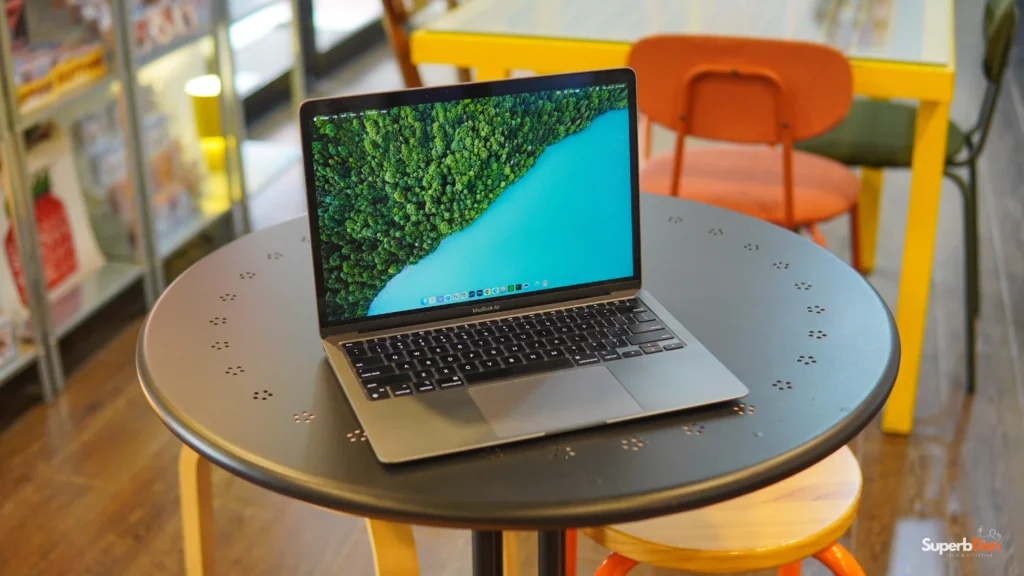
The display of the MacBook Air M1 is still great today. It has a large 13.3-inch Retina display with a maximum native resolution of 2560 x 1600 that produces bright and vivid visuals, perfect for editing photos and videos, and it can go toe to toe with other modern laptops for entertainment.
It is still good to watch videos and even listen to music on this MacBook because, aside from its high-quality display, it also has premium-sounding speakers. The display of the MacBook Air M1 only supports up to 400 nits of max brightness, just bright enough for indoor use.
Performance
The Apple M1 chip completely changed what people expected from thin and lightweight laptops, and surprisingly, it still performs very well today.
For everyday use, everything feels smooth. Browsing with multiple tabs, writing documents, replying to emails, attending Zoom meetings, or watching Netflix are all effortless. macOS is still well optimized for the hardware.
I am using it to edit photos in Lightroom, create graphics in Canva, and even edit videos without any issues. It is not as fast as the latest MacBooks, but it still delivers impressive performance.
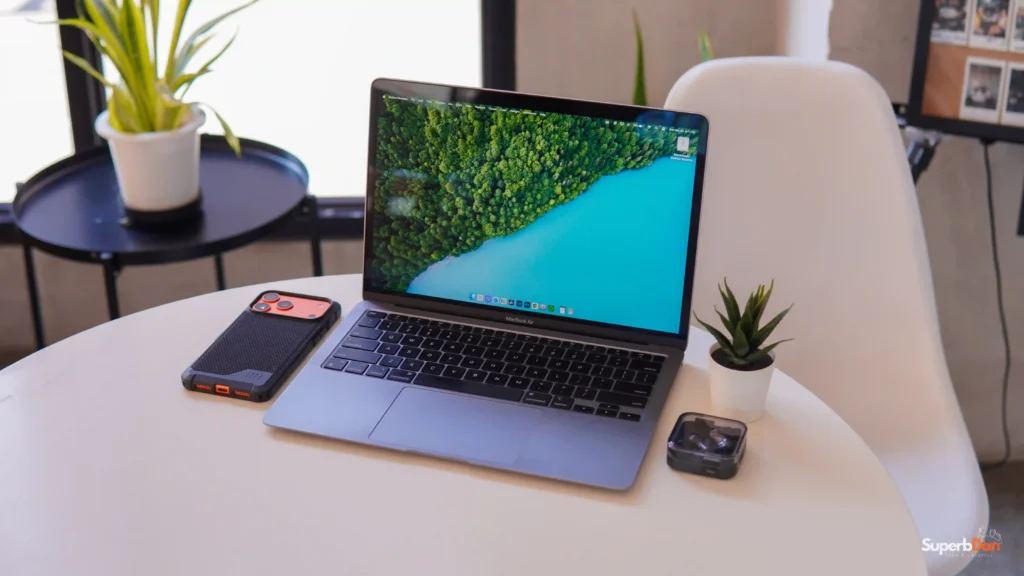
Most people don’t need extreme performance on a laptop, and that’s the reason why I think it is still relevant today. Most users spend their day browsing the web, answering emails, writing documents, attending online meetings, and watching videos. For those kinds of tasks, the MacBook Air M1 still feels surprisingly modern.
When it comes to video editing, if you’re working on 1080p projects, the laptop is still very capable. It can handle multiple effects and transitions. In fact, I’ve edited the vlog version of this article.
4K editing is a different story. The laptop can still do it, but rendering, exporting, and timeline playback are noticeably slower than newer Apple Silicon Macs. Since the MacBook Air doesn’t have a cooling fan, it also gets warmer during longer editing sessions.
Battery Life
Battery life is still one of the MacBook Air M1’s strongest features. Of course, this depends on the condition of the battery, especially if you’re buying a used unit. That’s why checking the battery health should always be part of your inspection before purchasing one.
My MacBook Air M1 still has 100% battery health, and it continues to last several hours on a single charge depending on what I’m doing. I usually keep my MacBook plugged in while I’m working. So it doesn’t have to rely on the battery all the time. Maybe that’s one reason why my battery health is still at 100%.
Software Support
The MacBook Air M1 is still receiving macOS updates and security patches in 2026, so you won’t feel left behind anytime soon.
That said, it’s already entering the later part of its software life. Apple will eventually stop supporting it, so if you’re planning to keep your next laptop for many more years, a newer MacBook might be a better investment.
Things to Keep in Mind
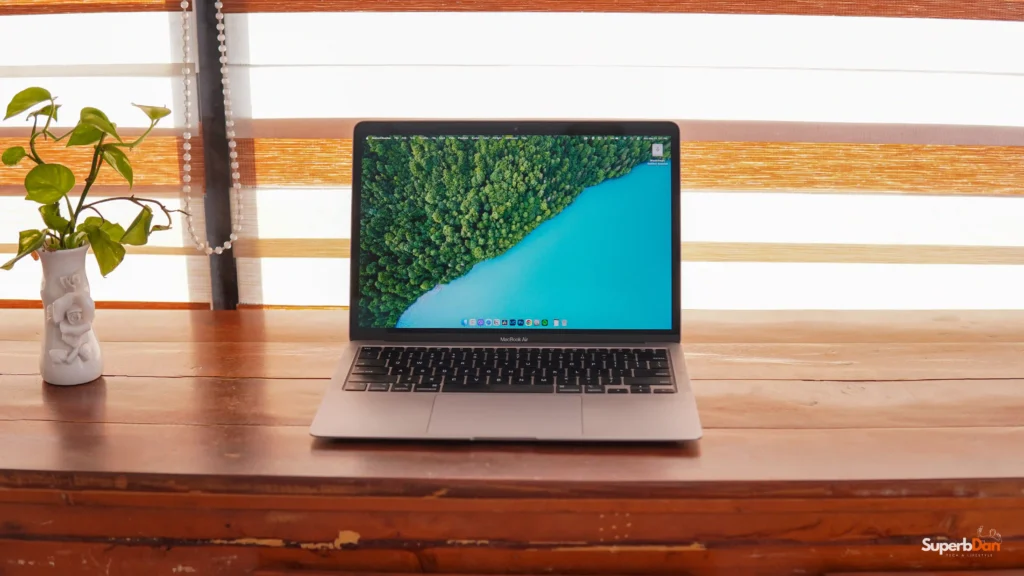
One of the biggest downsides of the MacBook Air M1 is its memory. Most of the pre-owned units only have 8GB RAM. Well, it is still fine for casual tasks, but it will struggle when you are multitasking.
Storage can also become an issue since the base model only has 256GB. Personally, I use an affordable external SSD from AGI Technology, and that solves the problem for me. The 720p webcam is usable for video calls, but don’t expect amazing image quality.
Another compromise is the port selection. You only get two USB-C ports, so you’ll probably need a USB-C hub if you regularly use HDMI, SD cards, or USB-A accessories.
Should You Buy the MacBook Air M1 in 2026?
The MacBook Air M1 still offers great value today. It still feels premium, and most of its features are still acceptable for today’s standards. It is not as fast as other latest Macs, but you can do all your light tasks in this laptop without any problems.
If you are a professional with demanding workloads, this laptop is not for you. But I can recommend it to students, freelancers, or casual users who are looking for a premium budget laptop.
You can also watch our video version of this article: